
Faculty Share Student Work
For Student works
The HPU Library and Learning Commons accepts student work into HPU Digital, our institutional repository. However, all student submissions must be submitted by a faculty member or designated staff mentor to ensure the work has been reviewed and approved before deposit. Students cannot submit work directly.
Students must provide permission to publish in the HPU Digital Repository by submitting an HPU Digital Repository Waiver Form.
Eligible works include:
-
Theses, dissertations, and graduate capstone papers*
-
Undergraduate or graduate research projects*
-
Published journal articles
-
Published books and book chapters
-
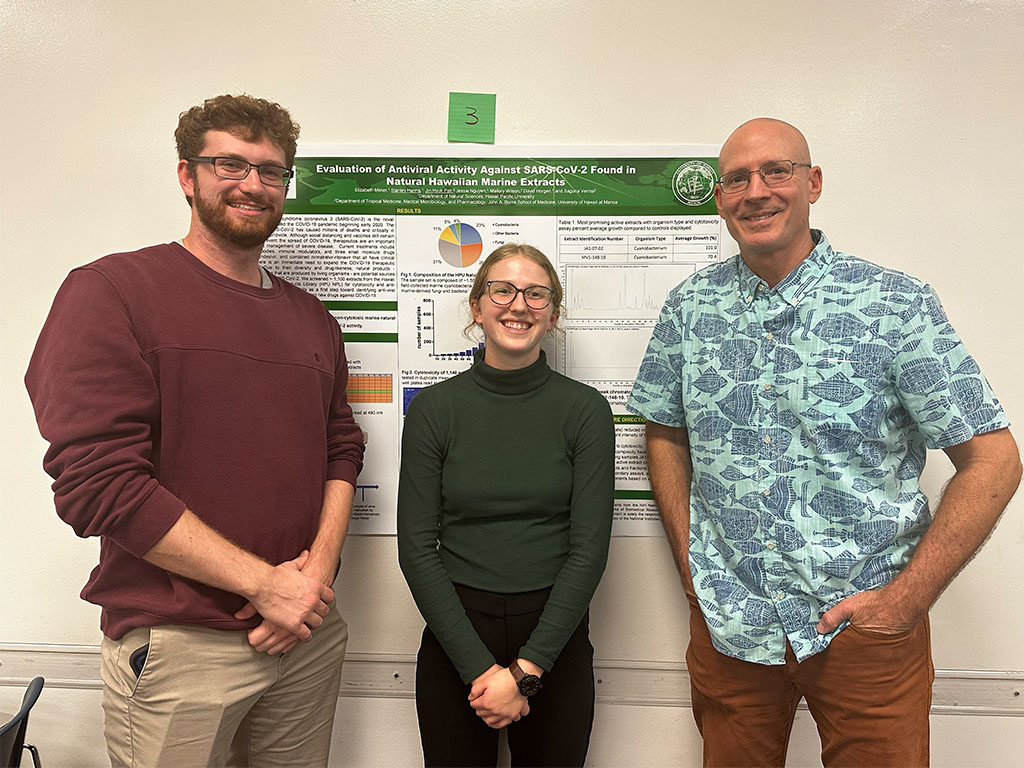
Conference presentations and posters (.PDF format required)
*Note: Submissions must meet the required title page format and be submitted in text-searchable PDF format. The Library cannot accept papers that do not meet these requirements. See the sample title page.
Submission Requirements
Title Page Requirements
When submitting a thesis or dissertation, departments must ensure the following:
- The title page must include the following:
- Title
- Item Type (Thesis, Professional Paper, Capstone Project, etc.)
- Degree
- Program (If applicable)
- College
- Institution (Hawaiʻi Pacific University)
- Location (Honolulu, Hawaiʻi)
- Publication Date (Semester & Year)
- Student's Name (Do not include post-nominal letters)
- Disclaimer (The views presented here are those of the author and are not to be construed as official or reflecting the views of Hawaiʻi Pacific University)
- Advisor(s) (Do not include post-nominal letters)
- On the title page include an okina before the last
i in Hawaiʻi.- The okina is NOT an apostrophe
- Add the okina [single open quotation mark] by using symbols under Insert tab in MS Word.
- OR place the cursor at the beginning of a blank line of text.
- Push and hold the "Alt" key. If there is no dedicated numeric keypad on the right side of the keyboard, push and hold the "Fn" key.
- Type the string "39".
- Release the "Alt" and "Fn" keys to make the okina appear at the location of the cursor.
- Sample Title Page
- An abstract is required and should immediately follow the title page. There is no word limit.
Title Page Requirements
When submitting a student's work that is not a thesis, or dissertation, graduate capstone, etc.:
- The title page must include the following:
- Title
- Item Type (Capstone Project or like work)
- Program (If applicable)
- College
- Institution (Hawaiʻi Pacific University)
- Location (Honolulu, Hawaiʻi)
- Publication Date (Semester & Year)
- Student's Name
- Disclaimer (The views presented here are those of the author and are not to be construed as official or reflecting the views of Hawaiʻi Pacific University)
- On the title page include an okina before the last
i in Hawaiʻi.- The okina is NOT an apostrophe
- Add the okina [single open quotation mark] by using symbols under Insert tab in MS Word.
- OR place the cursor at the beginning of a blank line of text.
- Push and hold the "Alt" key. If there is no dedicated numeric keypad on the right side of the keyboard, push and hold the "Fn" key.
- Type the string "39".
- Release the "Alt" and "Fn" keys to make the okina appear at the location of the cursor.
- An abstract should immediately follow the title page. There is no word limit.
Procedures for Submitting Student Work

Ensure the paper is in text-searchable PDF format and follows the required title page guidelines.

Sponsoring faculty member should email the following information:
- Faculty sponsor name and email
- Student author name and email
- Title of the work