For Student works
The HPU Library and Learning Commons accepts student work into HPU Digital, our institutional repository. However, all student submissions must be submitted by a faculty member or designated staff mentor to ensure the work has been reviewed and approved before deposit. Students cannot submit work directly.
Eligible works include:
-
Theses, dissertations, and graduate capstone papers*
-
Undergraduate or graduate research projects*
-
Published journal articles
-
Published books and book chapters
-
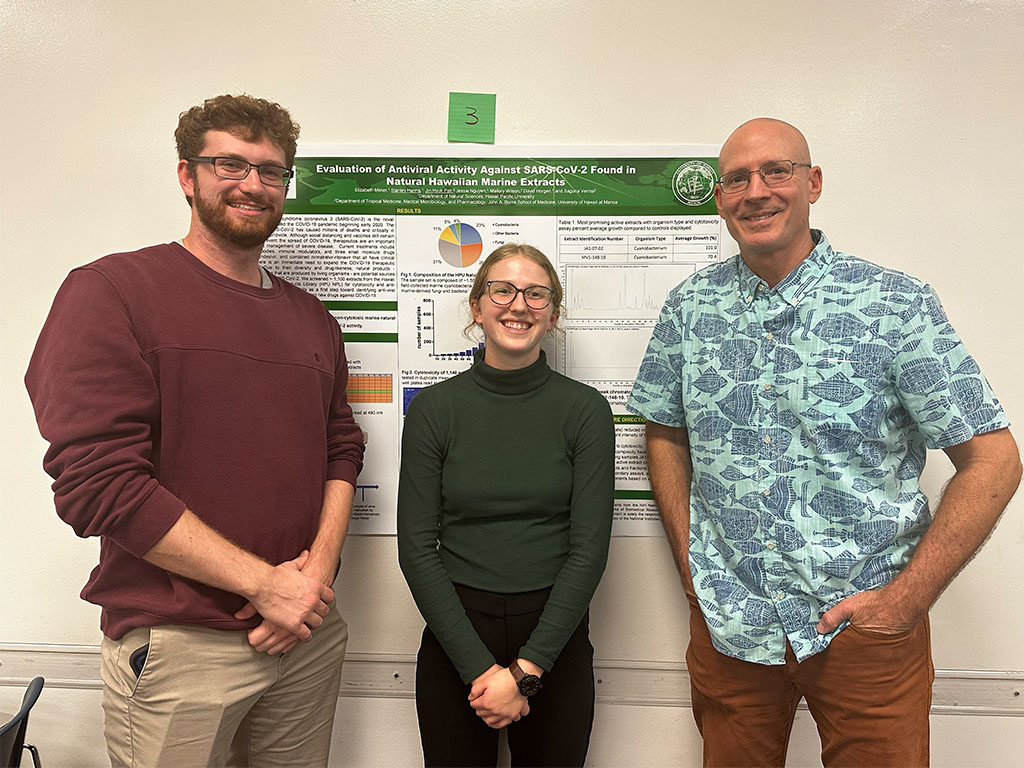
Conference presentations and posters (.PDF format required)
*Note: Submissions must meet the required title page format and be submitted in text-searchable PDF format. The Library cannot accept papers that do not meet these requirements. See the sample title page.
Submission Requirements
Title Page Requirements
When submitting a thesis or dissertation, departments must ensure the following:
- The title page must include the following:
- Title
- Item Type (Thesis, Professional Paper, Capstone Project, etc.)
- Degree
- Program (If applicable)
- College
- Institution (Hawaiʻi Pacific University)
- Location (Honolulu, Hawaiʻi)
- Publication Date (Semester & Year)
- Student's Name (Do not include post-nominal letters)
- Disclaimer (The views presented here are those of the author and are not to be construed as official or reflecting the views of Hawaiʻi Pacific University)
- Advisor(s) (Do not include post-nominal letters)
- On the title page include an okina before the last
i in Hawaiʻi.- The okina is NOT an apostrophe
- Add the okina [single open quotation mark] by using symbols under Insert tab in MS Word.
- OR place the cursor at the beginning of a blank line of text.
- Push and hold the "Alt" key. If there is no dedicated numeric keypad on the right side of the keyboard, push and hold the "Fn" key.
- Type the string "39".
- Release the "Alt" and "Fn" keys to make the okina appear at the location of the cursor.
- Sample Title Page
- An abstract is required and should immediately follow the title page. There is no word limit.
Title Page Requirements
When submitting a student's work that is not a thesis, or dissertation, graduate capstone, etc.:
- The title page must include the following:
- Title
- Item Type (Capstone Project or like work)
- Program (If applicable)
- College
- Institution (Hawaiʻi Pacific University)
- Location (Honolulu, Hawaiʻi)
- Publication Date (Semester & Year)
- Student's Name
- Disclaimer (The views presented here are those of the author and are not to be construed as official or reflecting the views of Hawaiʻi Pacific University)
- On the title page include an okina before the last
i in Hawaiʻi.- The okina is NOT an apostrophe
- Add the okina [single open quotation mark] by using symbols under Insert tab in MS Word.
- OR place the cursor at the beginning of a blank line of text.
- Push and hold the "Alt" key. If there is no dedicated numeric keypad on the right side of the keyboard, push and hold the "Fn" key.
- Type the string "39".
- Release the "Alt" and "Fn" keys to make the okina appear at the location of the cursor.
- An abstract should immediately follow the title page. There is no word limit.
Procedures for Submitting Student Work

Ensure the paper is in text-searchable PDF format and follows the required title page guidelines.

Sponsoring faculty member should email the following information:
- Faculty sponsor name and email
- Student author name and email
- Title of the work